
Agent Remote Execute: SQL

Create repeatable workflows that perform simple to complex data transformations on data of any size along with insight generation without writing any code.






Most data transformation tools require data engineers to build and maintain the pipelines that finance teams depend on. PlaidCloud's Enrich environment inverts that model: point-and-click data preparation tools let finance analysts configure complex extraction, transformation, and loading workflows directly. Without writing code or submitting IT tickets. As purpose-built data processing software for financial operations, Enrich handles everything from basic CSV cleaning and ERP data normalization to multi-step allocation models running across billions of rows. Every transformation is version-controlled, auditable, and reusable. Meaning the model your team builds once runs automatically at each period close, with consistent logic and a complete lineage record.
Build Models Iteratively, Explore Results, and Respond
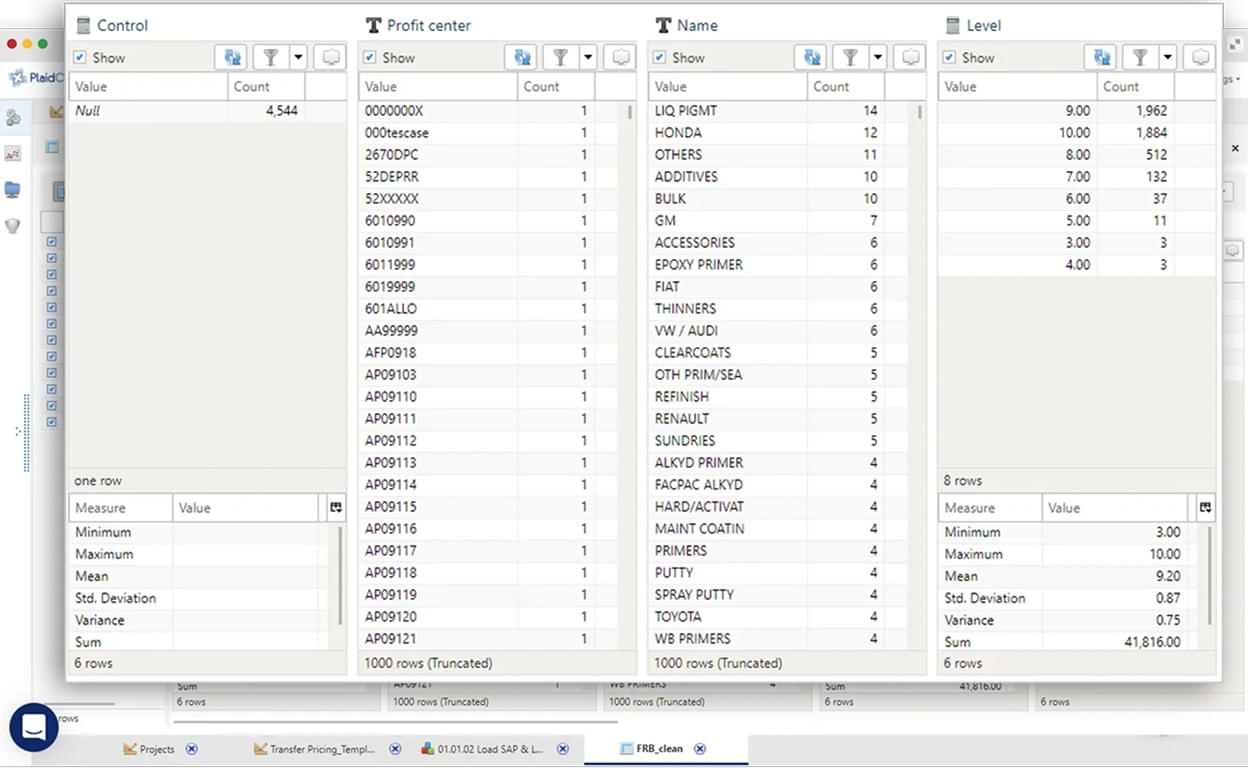
Business-Oriented Data Transformations
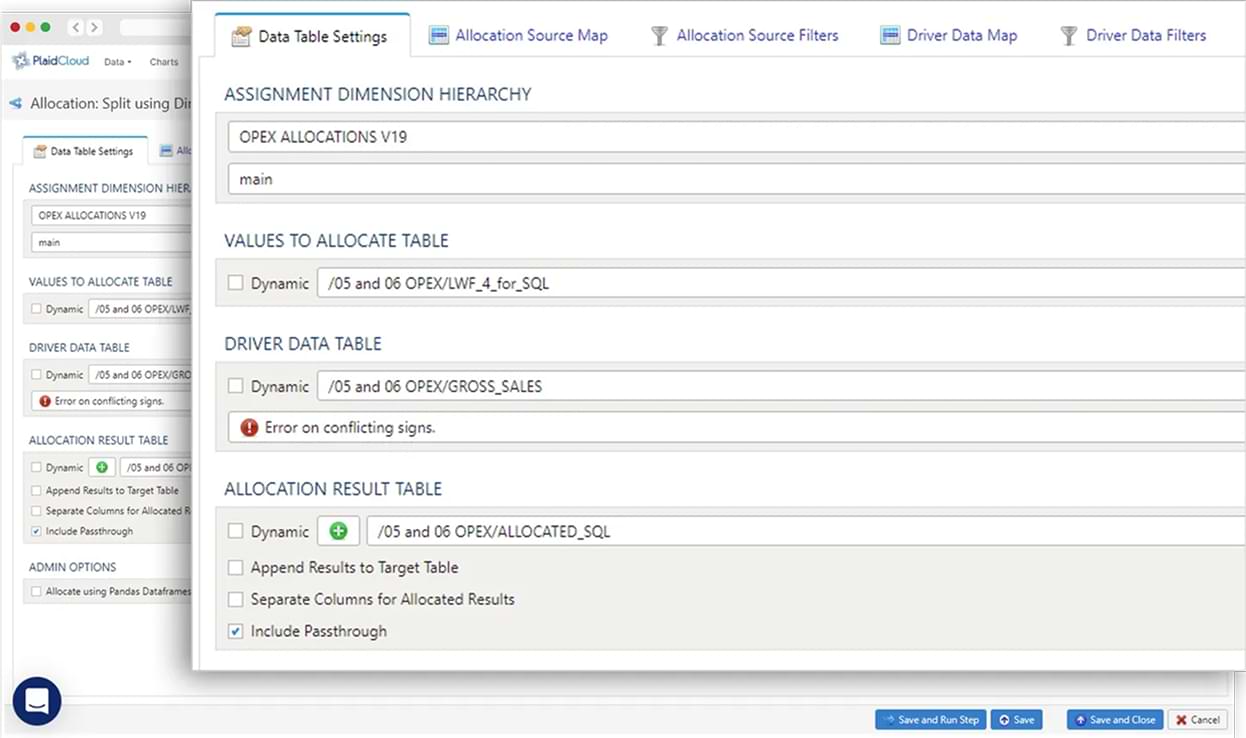
Build Models Shaped Like Your Business
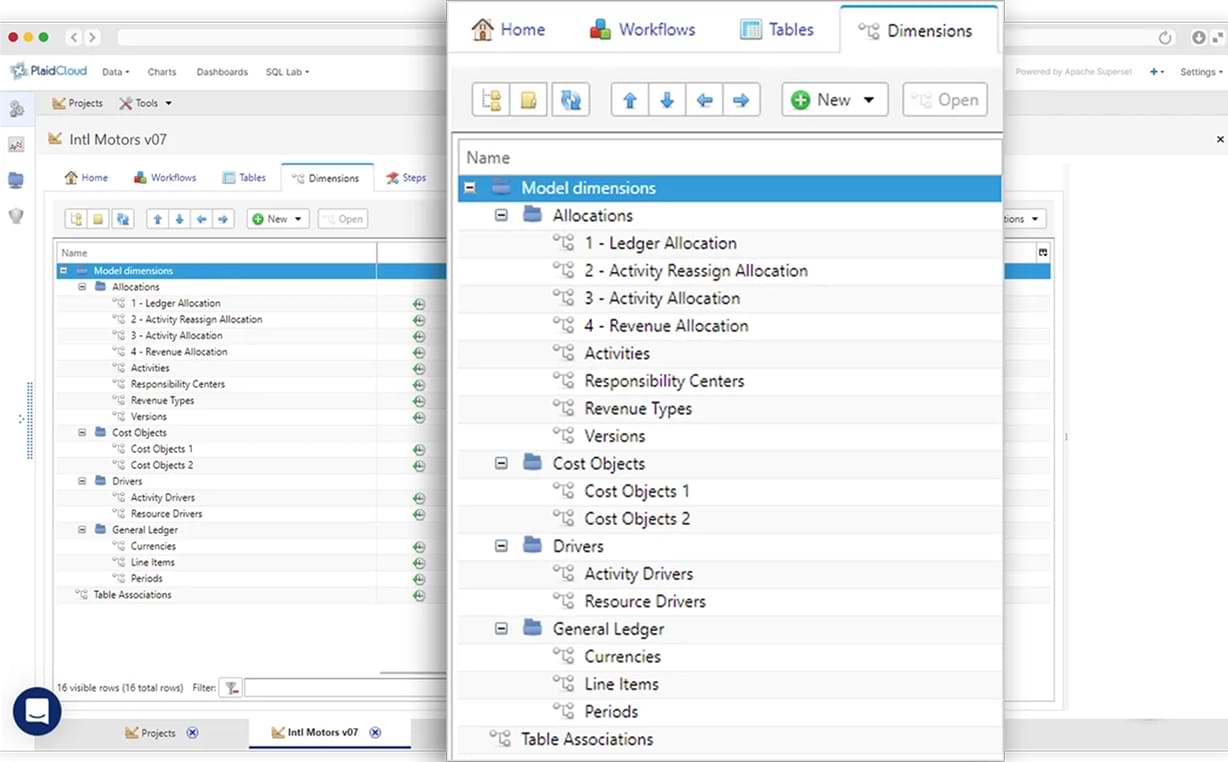
Perform Allocations at Any Level Including Transactional
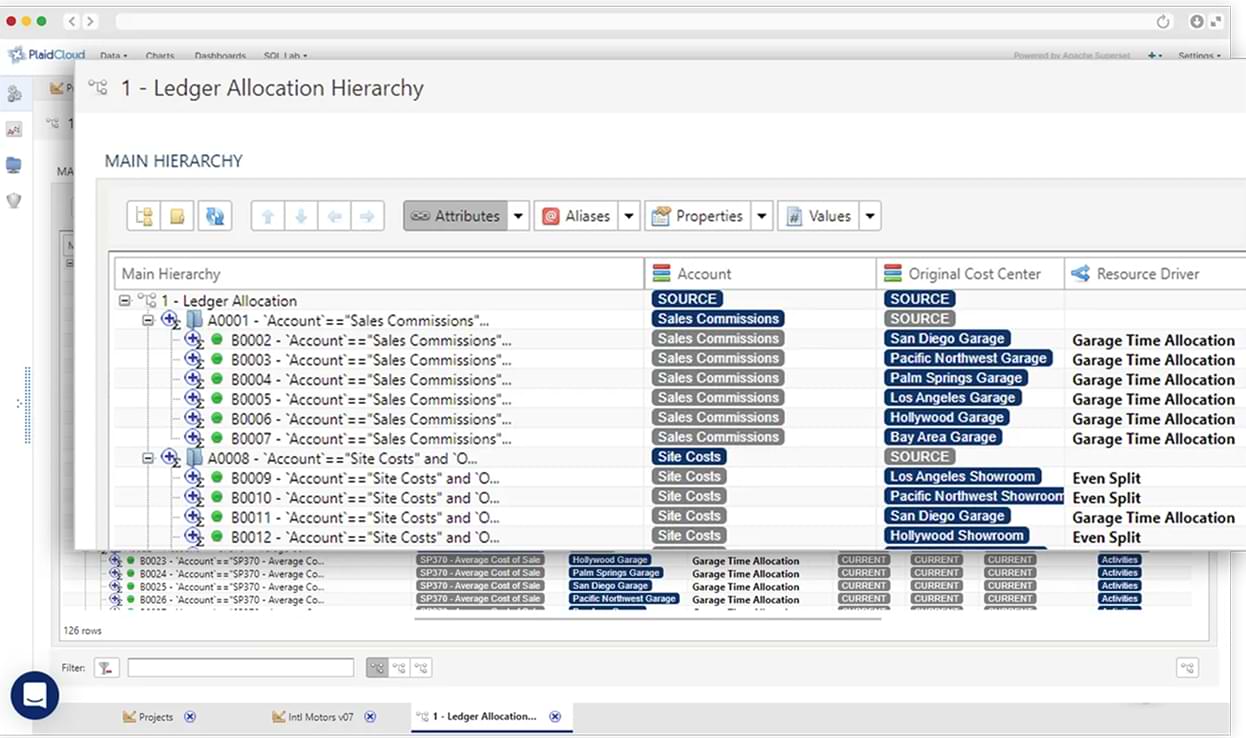
Zero Compromise. Run Your Code on Big Data
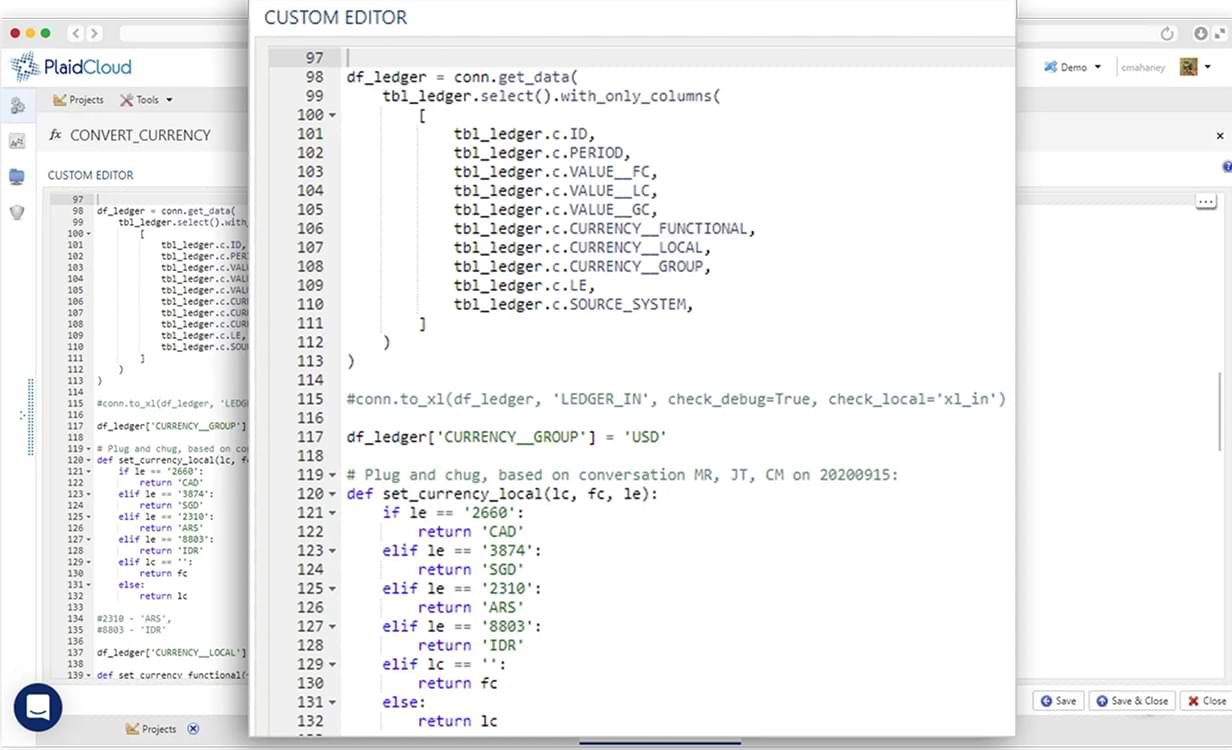
PlaidCloud's data transformation software bridges the gap between transactional ERP data and the enriched, model-ready datasets that drive profitability analysis, transfer pricing calculations, and management reporting. Each data analytics workflow is built iteratively: explore the data, apply transforms, review results, and refine. All within the same environment, without switching tools. For teams that do need to work in code, Python and SQL transforms are natively supported alongside point-and-click steps in the same workflow. Giving technical and non-technical team members a shared, integrated environment without compromise.
Agent Remote Execute: SQL
Agent Remote Export: SQL
Agent Remote Import: Table
Allocation: Direct Assignment
Allocation: Split (No Target Filters)
Allocation: Split using Dimension
Allocation: Split with Target
BOM: Load Makeup Volumes
BOM: Load Part Master
Dimension: Clear
Dimension: Create
Dimension: Delete
Dimension: Load
Dimension: Sort
Document: Compress PDF
Document: Concat Files
Document: Convert File to ASCII Encoding
Document: Convert File to Unicode (UTF-16) Encode
Document: Convert File to Unicode (UTF-8) Encode
Document: Convert Images & PDFs to JEG
Document: Convert to PDF
Document: Copy File
Document: Copy Folder
Document: Create Folder
Document: Crop JPEG Image to Headshot
Document: Delete File
Document: Delete Folder
Document: Delete Remote File
Document: Exort to Remote File
Document: Fix File Extension
Document: Import from Remote File
Document: Merge Multiple PDFs
Document: Rename Folder
Document: Rename Remote File
Export: Archive
Export: CSV
Export: Excel
Export: External Project Table
Export: Google Spreadsheet
Export: HDF5
Export: HTML
Export: JSON
Export: Quandl
Export: SQL
Export: XML
Identity: Deactivate Workspace Members
Identity: Get Workspace Members
Import: Archive
Import: CSV
Import: Excel
Import: External Database Tables
Import: External Project Table
Import: Fixed Width
Import: Google Spreadhseet
Import: HDF5
Import: HTML
Import: JSON
Import: Quandl
Import: SAS7BDAT
Import: SQL
Import: XML
Notify: Email
Notify: Log
Notify: PlaidCloud Agent
Notify: PlaidCloud Distro
Notify: SMS
Notify: Twitter
Notify: Web Hook (URL)
Pass Through
Report: Generate Batch
Report: Generate Single
SAP PCM: Calc & Export Model
SAP PCM: Calculate Model
SAP PCM: Copy Model
SAP PCM: Copy Period
SAP PCM: Copy Version
SAP PCM: Create Model
SAP PCM: Delete Model
SAP PCM: Hyper Loader
SAP PCM: Rename Model
SAP PCM: Run Console Job
SAP PCM: Stop Model Calculation
SAP: Attach File to Document
SAP: Post Journal Entry
SAP: Remote Function Call
SAP: Retrieve Master Data
Table: Anti Join
Table: Append
Table: Clear
Table: Copy
Table: Cross Join
Table: Drop
Table: Extract
Table: Faker
Table: In-Place Delete
Table: In-Place Update
Table: Inner Join
Table: Lookup
Table: Melt (Columns to Rows)
Table: Outer Join
Table: Pivot (Rows to Columns)
Table: Union All
Table: Union District
Table: Upsert
User Defined
Wait
Workflow: Clear Log
Workflow: Conditional Run
Workflow: Copy
Workflow: Create
Workflow: Delete
Workflow: Include
Workflow: Loop
Workflow: Project – Set Variable Value
Workflow: Raise Error
Workflow: Rename
Workflow: Run
Workflow: Set Variable Value
Workflow: Stop
Insights
We use cookies to analyze site traffic and improve your experience. See our Cookie Policy.